
Screenshots
App details
- Updated
- Aug 17, 2007
- Language
- Spanish,English
- Developer
- Online Media Technologies
- Category
- Mobile
SoftPas in:
This product is also available in the following languages:
About AVS Video Tools
Download AVS Video Tools – video converter, video editor, video cutter, video capture, video burning
Overview
AVS Video Tools is a comprehensive video management suite designed to simplify the handling of digital video files across various formats and use cases. Developed by AVS4YOU, this application consolidates multiple video-related functions—conversion, editing, cutting, capture, and burning—into a single, unified platform. Its purpose is to eliminate the need for managing separate tools, streamlining workflows for users ranging from casual content creators to professionals requiring advanced control. The software addresses common challenges such as format incompatibility, device-specific video requirements, and the complexity of multi-tool workflows. It is particularly useful for individuals who need to transfer videos to smartphones, tablets, or DVD players, or who frequently edit clips for social media, presentations, or personal archives.
Although the developer did not provide additional technical details about the target audience, the app’s broad feature set suggests it serves both beginners and experienced users. The integration of advanced tools like a Profile Editor and DVD burning capabilities indicates a focus on versatility and efficiency. In the broader context of video software, AVS Video Tools stands out as a one-stop solution within the Windows ecosystem, reducing software clutter and enhancing productivity. Its long-standing presence since 2007 reflects a commitment to continuous development and user support, making it a reliable choice for users seeking a stable and feature-rich video utility.
Key Features & Functionality
- All-in-One Video Suite: Combines video conversion, editing, cutting, capture, and burning within a single interface. Users can switch between tasks without launching separate applications, improving workflow efficiency.
- Extensive Format Support: Handles a wide range of video formats including AVI, MPEG, VOB, WMV, and others. This ensures compatibility with files from diverse sources such as camcorders, smartphones, and online platforms.
- Intuitive User Interface: Designed for ease of use, the interface enables basic operations like conversion and cutting with just a few clicks. Even users with minimal technical experience can navigate the core functions without difficulty.
- Advanced Customization Tools: Includes a Profile Editor that allows users to adjust video quality, resolution, frame rate, and codec settings. This feature is ideal for tailoring output files to specific devices or platforms.
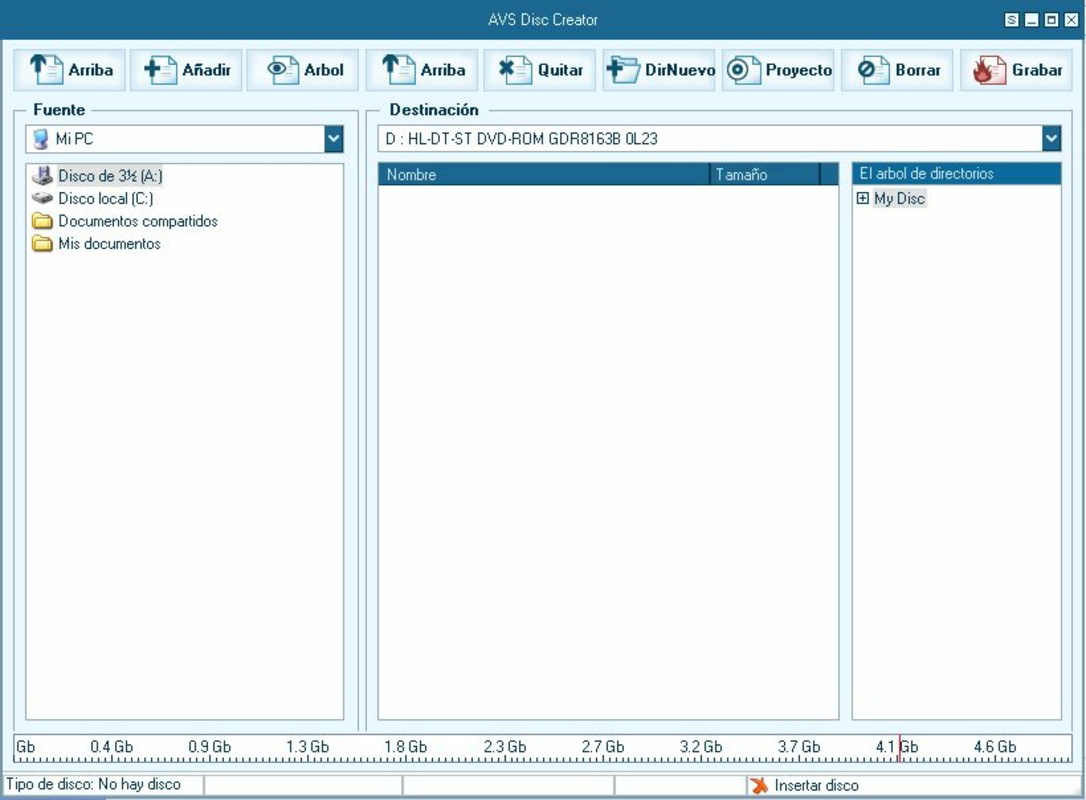
- DVD and Disc Burning: Supports direct burning of videos to DVDs, SVCDs, and VCDs. This functionality simplifies the process of creating physical copies for sharing or archiving.
- Video Capture Functionality: Enables recording from webcams, screen activity, or external video sources, making it useful for content creators and educators.
For example, a user preparing a presentation might convert a high-resolution video to a smaller format compatible with a projector, then cut out specific segments and burn the final version to a DVD for distribution. Another user could capture a screen recording of a tutorial, edit it with effects, and convert it for upload to a video-sharing platform—all within the same application.
Interface, UX & Performance
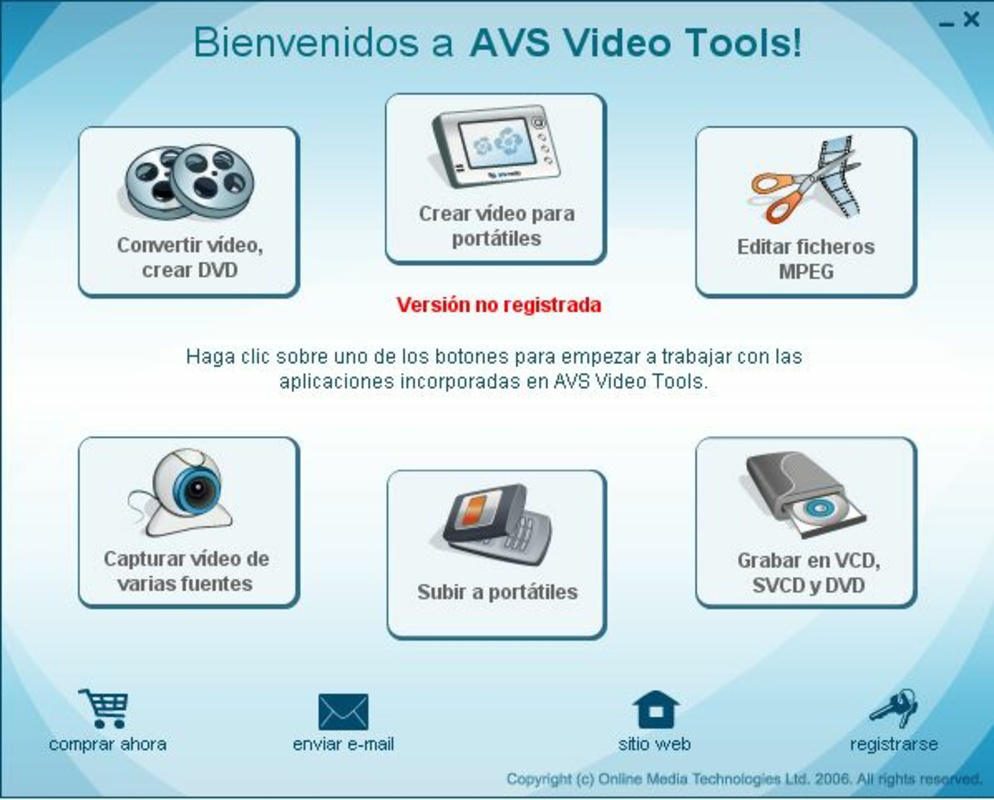
The interface of AVS Video Tools is structured around a clean, task-based layout that prioritizes accessibility. Main functions are clearly labeled and grouped into logical sections, reducing the learning curve for new users. Navigation is linear and consistent, with intuitive icons and straightforward menus that guide users through each step of a process. The visual style is functional rather than flashy, focusing on clarity and usability.
Although the developer did not list formal performance metrics, the application’s design suggests responsiveness across a range of Windows devices. Users can expect smooth operation during standard tasks such as format conversion and video trimming. The software appears optimized for stability, with minimal reported crashes or freezes. However, performance may vary depending on system resources, particularly when processing high-resolution files or using advanced editing features.
Responsiveness during file loading and processing is generally consistent, and the application maintains a stable state even when handling multiple operations. The absence of frequent error messages or interface lag indicates a mature development lifecycle. Overall, the user experience reflects a balance between functionality and usability, making it suitable for both occasional and regular use.
Platform Compatibility & Technical Requirements
AVS Video Tools is designed for the Windows operating system. The current version is 11.0.1.410, and the application file size is 34.1 MB. This relatively compact footprint suggests efficient resource usage, which is beneficial for users with limited storage space.
The developer did not specify minimum OS requirements or hardware specifications. Compatibility information was not fully disclosed. As such, users should verify system compatibility based on their Windows version and available system resources. The application is not available on mobile platforms such as Android or iOS, and no information was provided about cloud integration or cross-device synchronization.
Pros and Cons
Pros
- Combines multiple video tools into a single, cohesive application.
- Supports a wide variety of video formats for conversion and editing.
- Intuitive interface suitable for beginners and intermediate users.
- Offers advanced customization options for experienced users.
- Includes DVD and disc burning functionality.
- Efficient file size and stable performance on compatible systems.
Cons
- Not available on mobile platforms like Android or iOS.
- Specific system requirements were not listed.
- Price point of $49.95 may be high for casual users.
- Limited information on updates and long-term support.
- No cloud-based collaboration or sharing features mentioned.
FAQ
Is AVS Video Tools available for Android or iOS?
AVS Video Tools is currently designed for Windows only. There is no official mobile version available for Android or iOS devices.
Can I use AVS Video Tools to convert videos for my smartphone?
Yes, the software supports a wide range of formats and includes preset profiles for various smartphones and tablets, making it easy to convert videos for mobile playback.
Does AVS Video Tools include video editing tools?
Yes, the application includes video editing features such as cutting, trimming, adding effects, and customizing output settings through the Profile Editor.
Is AVS Video Tools safe to download and install?
As a long-standing software product from AVS4YOU, AVS Video Tools is considered secure when downloaded from official sources. Users should avoid third-party sites to prevent potential malware.
How often is AVS Video Tools updated?
The developer has not publicly disclosed the update frequency. However, the software has been maintained since 2007, indicating ongoing support and development.
Final Thoughts
AVS Video Tools delivers a powerful, all-in-one solution for managing video files on Windows systems. Its ability to unify conversion, editing, cutting, capture, and burning functions makes it a valuable tool for users seeking efficiency and versatility. While the lack of mobile support and a high price point may deter some, the software’s robust feature set and user-friendly design justify its value for serious content creators and professionals. For those who rely on consistent, high-quality video output across multiple devices and formats, AVS Video Tools offers a reliable and comprehensive workflow. If you're looking for a secure, feature-rich video utility with broad format support, this tool is a strong contender.
Download AVS Video Tools now
Guides & Tutorials
How to install AVS Video Tools
- Click the Download button above.
- Once redirected, accept the terms and click Install.
- Wait for the AVS Video Tools download to finish on your device.
How to use AVS Video Tools
This software is primarily used for its core features described above. Open the app after installation to explore its capabilities.
User Reviews
No reviews yet. Be the first to share your experience.
You may also like
more
Que no te pillen¡
About !Que no te pillen¡Reviewed by Jason A. BilbreyShow MoreShow Less

3D Combat Zone
About 3D Combat ZoneOriginally released in 1983, 3D Combat Zone immerses players...

666: El día del portal
About 666: El día del portalOn June 6, 2006, Agent P. Stone uncovers a sinister...

80 in 1 Best Flash games
About 80 in 1 Best Flash games 80 in 1 Best Flash games is a collection of 80 fl...

ABYSS SEEKERーーWhat Do You See Deep in The Abyss
About ABYSS SEEKERーーWhat Do You See Deep in The AbyssIn ABYSS SEEKER, players...

ACA NEOGEO THE KING OF FIGHTERS 2002 for Windows
About ACA NEOGEO THE KING OF FIGHTERS 2002 for WindowsTHE KING OF FIGHTERS 2002,...